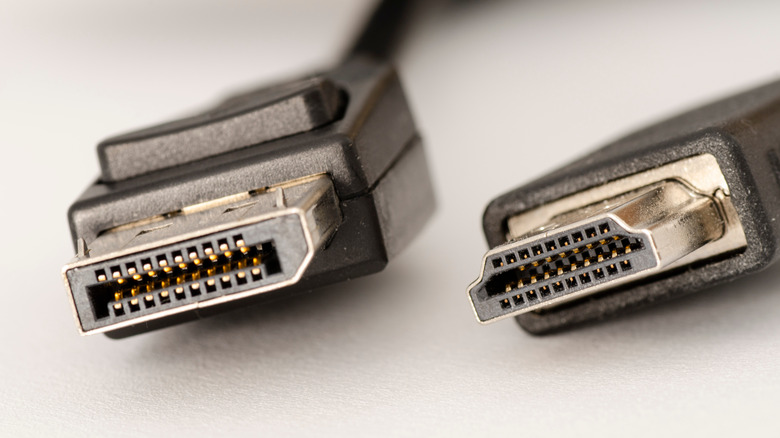
When you unbox a new monitor you’ll usually find both HDMI and DisplayPort cables, and many modern displays also include a USB‑C port. Each connector brings its own strengths, so the choice hinges on what you plan to connect.
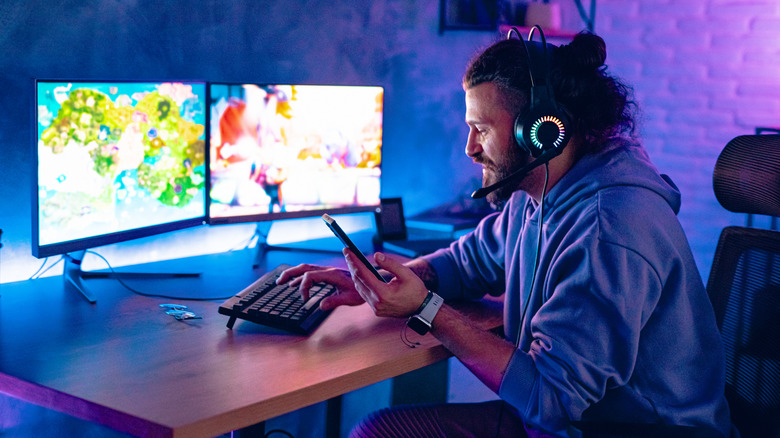
DisplayPort is the go‑to for PC gamers and multi‑monitor rigs. It was built with variable refresh rates in mind, so technologies like FreeSync and G‑Sync work natively. Bandwidth tops out at 80 Gbps on DP 2.1, and the standard can travel over USB‑C’s Alternate Mode, letting a single USB‑C cable handle video, data and power when both devices support DP Alt Mode. Its daisy‑chaining capability also simplifies multi‑display setups.
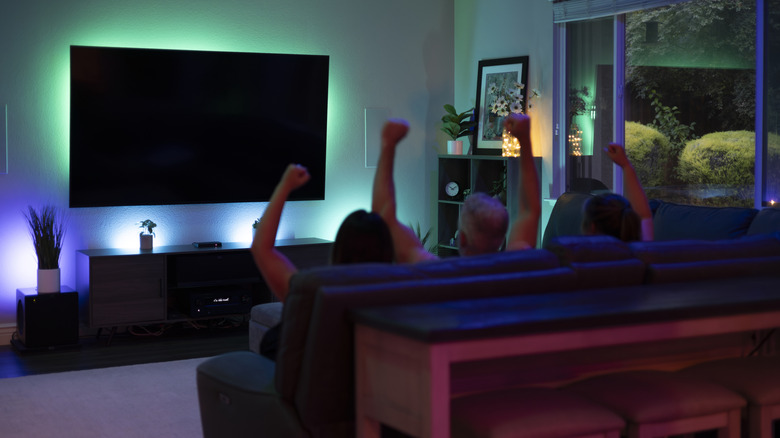
HDMI, by contrast, dominates home‑theater and console environments. Almost every TV, soundbar and gaming console ships with HDMI, and the interface carries audio features such as eARC for high‑quality surround sound, CEC for device control, and HDCP for protected 4K streams. For Macs, integrated‑graphics PCs, or any AV gear, HDMI is the safest bet.
Ultimately, match the cable to your hardware: use DisplayPort (or USB‑C with DP Alt Mode) for discrete‑GPU PCs and multi‑screen gaming, and stick with HDMI for Macs, consoles, TVs and audio‑centric setups. Verify that both ends support the required version—HDMI 2.1 or DP 2.1—to unlock the full bandwidth and feature set.