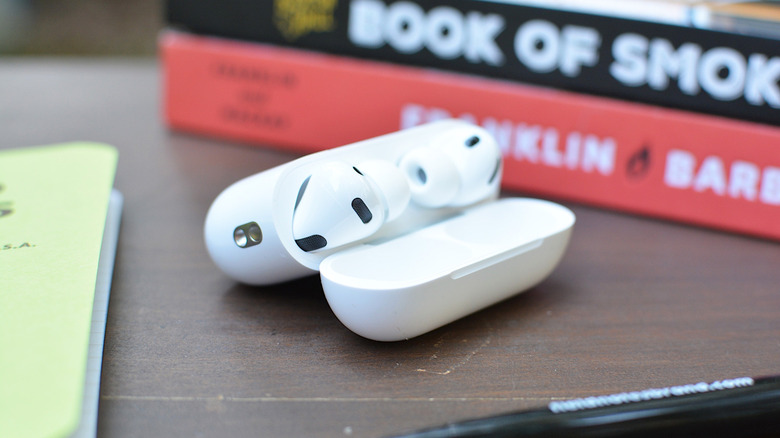
Apple's iOS 26 update introduced a new AirPods feature called Camera Remote, allowing users to control their iPhone camera with their AirPods. This feature is useful for taking selfies or group photos without having to physically touch the iPhone.
To use Camera Remote, users need an iPhone running the latest version of iOS, specifically 26.5.1 or later, and a compatible pair of AirPods, including AirPods Pro 3, AirPods Pro 2, AirPods 4, or AirPods Max 2.
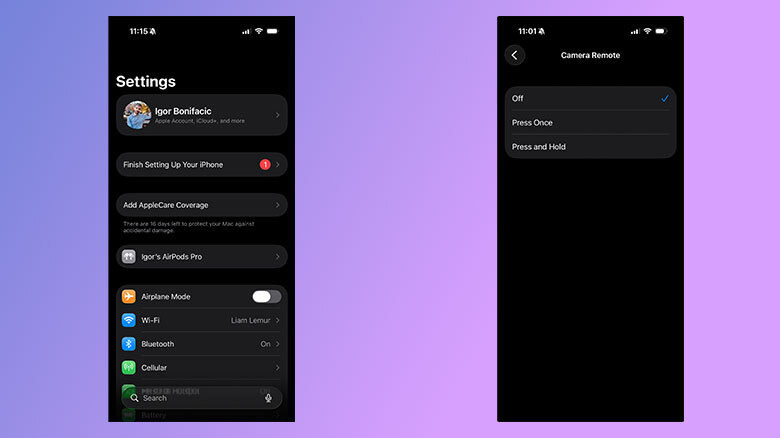
Once the AirPods are paired with the iPhone, users can enable Camera Remote by opening the Settings app, selecting their AirPods, and choosing the Camera Control section. They can then select either Press Once or Press and Hold to control the camera.